
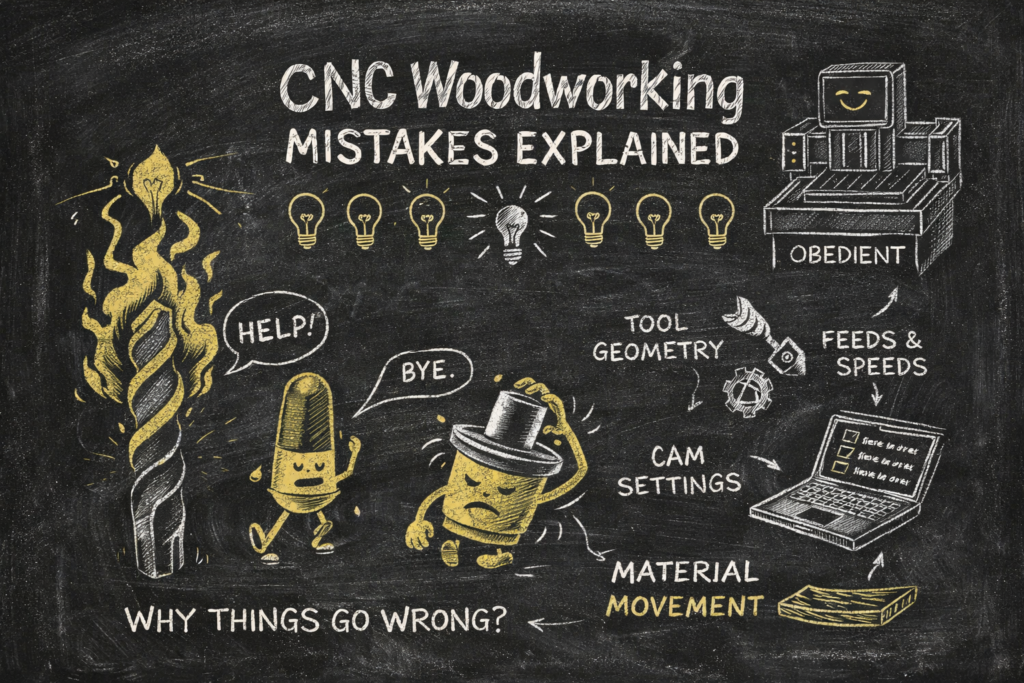
If you’re new to CNC woodworking, you’re going to make CNC woodworking mistakes. Not because you’re careless. Not because you skipped a manual. And definitely not because you’re “bad at CNC.”
You’re going to make them because CNC has a unique talent for doing exactly what you told it to do — including the parts you didn’t realize you were telling it to do.
I know it seems like you will pull your hair out trying to get something right, and then your buddy comes along and does something seemingly as simple as typing a line of G-code, and then it works as he walks away shaking his head like he is calling you a noob while learning an online game. Ok, Japetto, not all of us have been doing this that long, or have four level 80 WoW accounts, Leroy. It can be frustrating.
If you’re still early in the process, it helps to ground yourself in the basics first. Our Complete Beginner CNC Woodworking Guide: 7 Do’s and Don’ts That Make or Break Your Results walks through the fundamentals before things start getting complicated:
👉 https://fusioncncusa.com/the-complete-beginner-cnc-woodworking-guide/
Most CNC woodworking mistakes aren’t disasters. They’re confusing, mildly embarrassing, occasionally smoky learning moments that make you stare at a perfectly innocent machine and think, “Why are you doing this to me?”
Let’s talk about why.
Why CNC Woodworking Mistakes Are Really Expectation Problems
One of the biggest surprises for beginners is realizing that CNC machines have no instincts. They don’t feel resistance. They don’t flinch when something sounds wrong. They don’t pause and reconsider life choices mid-cut.
They just keep going.
That’s why CNC woodworking mistakes feel so personal at first. You’re standing there watching a cut go sideways, and the machine looks calm. Unbothered. Almost smug. It’s not being difficult. It’s being obedient.
Once you accept that CNC is a brutally honest mirror of your instructions, a lot of frustration melts away. The machine isn’t arguing with you — it’s agreeing with you a little too literally.
Why Things Look Fine at First (And Then Suddenly Don’t)
Many CNC woodworking mistakes begin with false hope or a quick prayer. The cut starts clean. The sound is good. Chips look decent. You think, “Finally, I nailed it.”
Then halfway through the pass, the edge darkens. The finish gets fuzzy. Something starts to smell… toasty.
This isn’t the machine betraying you. It’s physics slowly catching up. Heat builds. Chips stop clearing efficiently. Resin softens. Tool edges lose their sharpness. CNC doesn’t adapt to those changes; it just keeps repeating the same motion while conditions quietly shift underneath it.
We dig much deeper into this exact scenario in Why CNC Cuts Look Bad: 7 Real Reasons Beginners Struggle With Tooling, Feeds, and Material Reality:
👉 https://fusioncncusa.com/why-cnc-cuts-look-bad-7-struggles-starting-out/
Also here is a chipload, feeds and speeds calculator for you to use:
👉 https://fusioncncusa.com/chip-loads/
That moment when a cut goes from “perfect” to “why though?” is one of the most common CNC woodworking mistakes beginners encounter — and one of the most educational.
Why Slowing Down to Fix Burning Usually Makes It Worse
At some point, every beginner sees burning and instinctively reaches for the feed override. Slower feels safer. Slower feels controlled. Slower feels like the responsible choice. Slow is smooth and smooth is fast.
On a CNC, that instinct is often spectacularly wrong.
When feed rates drop too low, the cutter stops cutting and starts rubbing. Rubbing creates heat. Heat creates burning. And CNC, being CNC, repeats that mistake flawlessly across the entire toolpath.
Tool geometry plays a huge role here as well, especially the difference between upcut, downcut, and compression bits. If you haven’t already, this breakdown is worth reading:
👉 https://fusioncncusa.com/blog-upcut-vs-downcut-vs-compression-bits/
Once you understand that cutting is about making chips and not just moving slowly, feeds and speeds stop feeling like black magic and start feeling logical.
Why CAM Defaults Aren’t Trying to Kill You (But Also Aren’t Saving You)
CAM software defaults are helpful. They get you started. They prevent immediate chaos. What they don’t do is magically adapt to your machine, your material, or your tooling.
Beginners often assume that if CAM allows it, it must be safe. Then the cut technically works… but sounds angry, looks questionable, and leaves you wondering what you did wrong.
Nothing is broken. CAM just doesn’t know your setup.
A lot of CNC woodworking mistakes come from treating CAM like an autopilot instead of a co-pilot. Once you understand what depth of cut, stepover, and entry moves actually mean, CAM stops feeling unpredictable and starts feeling empowering. Our Beginner’s Guide to CNC Cutting Tool Geometry lays the groundwork that makes CAM decisions finally click:
👉 https://fusioncncusa.com/cnc-cutting-tool-geometry-beginniers-guide/
Why “It Looked Flat” Is Not a Measurement
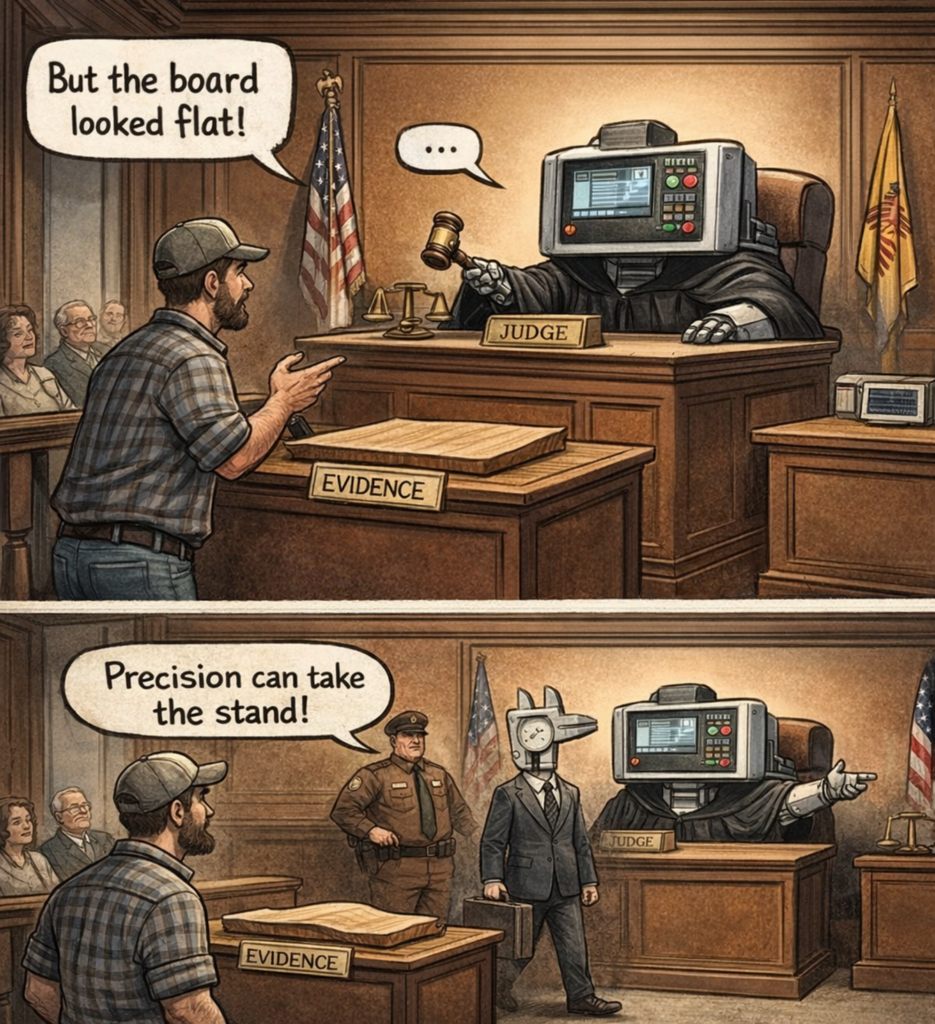
Few CNC woodworking mistakes are as humbling as discovering that a board you swore was flat… isn’t.
By hand, everything seems fine. On the CNC, one area cuts perfectly while another barely gets touched. Pockets vary in depth. You double-check your zero. You blame the machine.
The machine is innocent.
Wood moves. Sheet goods vary. CNC doesn’t care how something looks or feels; it only cares where the tool actually is relative to the surface. This is why spoilboards, surfacing passes, and solid workholding suddenly become very important, very quickly.
“It looked flat” stops being useful the moment precision enters the room.
Why Walking Away Early Is a Gamble
There’s a specific kind of confidence that comes right before a mistake. You’ve simulated the toolpath. You’ve checked everything twice. The cut starts clean, so you step away to grab a drink.
That’s usually when something goes wrong.
Tools dull. Chips pack. Material shifts. CNC woodworking mistakes love unattended first cuts. Experienced operators know this, not because they’re paranoid, but because they’ve paid the price before.
Staying with the machine during early passes isn’t hovering; it’s professionalism learned the hard way.
Why Complexity Makes Small Problems Loud
CNC makes advanced work look deceptively easy. Inlays, 3D carvings, and complex joinery are all right there in the software.
The problem is that advanced toolpaths don’t forgive weak fundamentals. They amplify them. A small issue in a simple cut becomes a big issue when complexity stacks on top of it.
This is how CNC woodworking mistakes turn into long evenings and very quiet shops.
There’s no shame in mastering basic 2D cuts until they feel boring. Boring is good. Boring means predictable. Predictable is what makes advanced work fun instead of frustrating. If you’re ready to bridge that gap, the later parts of the Cut Smarter, Cut Cleaner series bring feeds and speeds together in practice:
👉 https://fusioncncusa.com/cnc-feeds-and-speeds-tool-geometry/
Why “That’s Just CNC” Is a Trap
One of the most subtle CNC woodworking mistakes is accepting problems as normal. Burning, chatter, inconsistent results — beginners sometimes assume CNC is just finicky.
It’s not.
CNC is extremely honest. When something goes wrong, there is almost always a reason. The moment you stop accepting mystery and start asking “why,” your learning curve steepens dramatically. We break down common symptoms and their fixes in CNC Cutting Problems: Why Your CNC Cuts Burn, Chatter, or Tear Out:
👉 https://fusioncncusa.com/blog-cnc-cutting-problems-burns-chatter-tear-out/
Why CNC Woodworking Mistakes Are Actually a Good Sign
Here’s the upside: every CNC woodworking mistake in this article means you’re actually using the machine. You’re experimenting. You’re pushing past theory into reality.
Every experienced CNC operator has made every mistake on this list, usually more than once.
If you want reassurance that this learning curve is normal, CNC Woodworking Mistakes Every Beginner Makes (And Why Almost All of Them Make Sense at the Time) puts those early frustrations into perspective:
👉 https://fusioncncusa.com/cnc-woodworking-mistakes-every-beginner-makes/
Progress doesn’t come from avoiding mistakes entirely. It comes from recognizing them faster, understanding why they happened, and fixing them with confidence.
Quick Recap: 7 CNC Woodworking Mistakes (And What They’re Really Teaching You)
- Cuts degrade mid-pass — conditions change even when programs don’t
- Slowing feeds to fix burning — rubbing creates heat
- Trusting CAM defaults blindly — software doesn’t know your setup
- Assuming material is flat — CNC only respects real planes
- Walking away early — first cuts reveal the most
- Adding complexity too soon — fundamentals matter
- Accepting mystery — CNC problems are almost always explainable
External References & Further Reading
- CNC Cookbook – Feeds & Speeds Fundamentals
https://www.cnccookbook.com - Harvey Tool – Chip Formation and Heat
https://www.harveyperformance.com - Fine Woodworking – Understanding Wood Movement
https://www.finewoodworking.com