
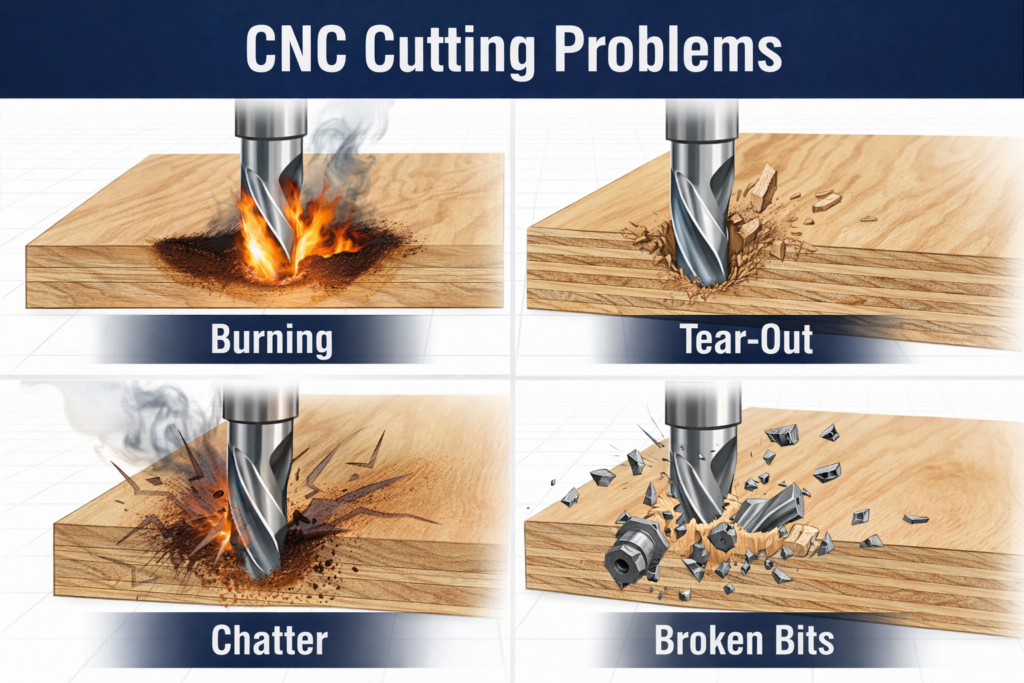
CNC Cutting Problems Always Show Up the Same Way
CNC cutting problems rarely announce themselves politely. They show up as burn marks, torn grain, fuzzy edges, loud chatter, or snapped tools. Beginners often assume the machine is misaligned or underpowered. Experienced operators know better.
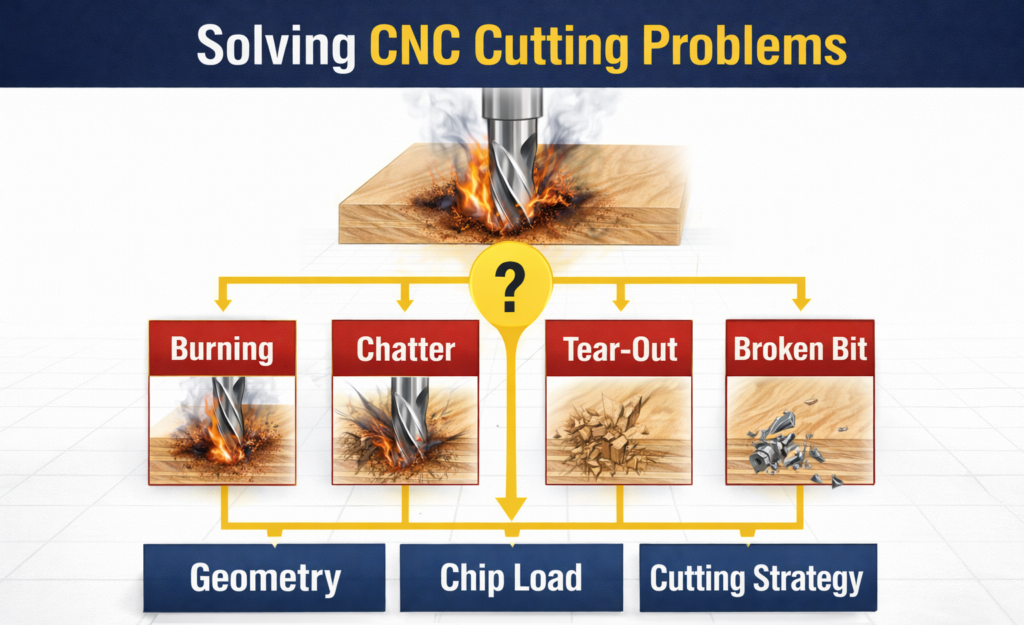
These symptoms are not random. They are predictable results of geometry, chip load, and cutting strategy working against each other. Regardless of the spindle speed, torque, or how powerful your motors are, you can still make good, clean cuts. Those factors affect how quickly you can do them.
If you can identify the symptom, you can usually trace it back to a specific cause.
Feeds and Speeds Calculator Here
Burn Marks Are a Heat Problem, Not a Speed Problem
Burning happens when the tool rubs instead of cutting. That rubbing creates friction, friction creates heat, and heat leaves scorch marks behind. The most common causes are too little chip load, too many flutes, or poor chip evacuation.
If your chipload is too small, you are effectively just sanding your workpiece. While you might think that smaller chips mean less load and thus less heat, that is not correct. Evacuating good chips also evacuates heat. Too many flutes can be an issue, both because if your feed rate is not increased, you do not have a big enough chip load. But if you do, the flutes may not be large enough to evacuate chips effectively, which can cause the bit and workpiece to heat up. Downcut bits used too deeply are frequent offenders. So are overly conservative feed rates that let the tool polish the material rather than slice it.
Counterintuitively, slowing down often makes burning worse. The fix is usually better geometry, fewer flutes, and a feed rate high enough to create real chips.
Tear-Out Is Fiber Direction Fighting Tool Geometry
Tear-out happens when fibers are pulled before they are cut. In wood and plywood, this usually means the cutting edge is lifting material in the wrong direction.
Upcut bits tend to tear the top surface. Downcut bits can tear the bottom. Compression bits eliminate both, but only when used at the correct depth. A compression bit must be used at a depth where both flute directions are cutting the wood. If it is not deep enough, the compression bit acts as an upcut bit only.
Sharp tools, correct flute direction, and light finishing passes dramatically reduce tear-out. This is a geometry problem first, not a feed rate problem.
Chatter Means the Tool or Workpiece Is Unstable
Chatter sounds violent because it is. It is a vibration caused by cutting forces exceeding the tool’s rigidity, or by your workpiece not being appropriately secured.
Long stick-out, aggressive helix angles, shallow finishing tools pushed too hard, or poor workholding all contribute. Multi-flute tools in flexible setups amplify the problem.
Reducing the depth of cut, switching to a lower helix tool, shortening the tool length, or securing your work often solves chatter immediately.
Fuzzy Edges and Poor Finish Come From Rubbing
Fuzzy edges mean the tool is no longer slicing cleanly. Dull tool edges, incorrect geometry, and a too-light chip load all contribute. When chips turn into dust instead of forming defined curls or flakes, the tool is rubbing rather than cutting. Heat builds up, your finish degrades, and tool life decreases.
Clean chips equal clean cuts.
Broken Bits Are the Final Symptom
Broken tools are rarely caused by a single mistake, though that can happen. They happen when heat, deflection, vibration, and poor chip evacuation stack up. Over time, vibration weakens the material the tool is made of. Combine that with vibration, especially vibration from chatter, and heat, it is a matter of time before your bit snaps.
Understanding CNC cutting problems early prevents tool breakage later or at least extends the life of your tool. Geometry first. Chip load second. Feeds and speeds last.
CNC Cutting Problems Follow Patterns, Not Luck
Once you stop treating these issues as random, CNC work becomes predictable. Each symptom tells a story. When you learn to read it, troubleshooting becomes fast and repeatable.
This is how operators stop guessing and start controlling the cut.
APA References – Blog #3
Autodesk. (n.d.). Common CNC machining problems and solutions.
https://www.autodesk.com/products/fusion-360/blog/
Harvey Tool Company. (n.d.). Preventing tool failure and poor surface finish.
https://www.harveytool.com/resources/
CNCCookbook. (2024). CNC troubleshooting guide.
https://www.cnccookbook.com/