
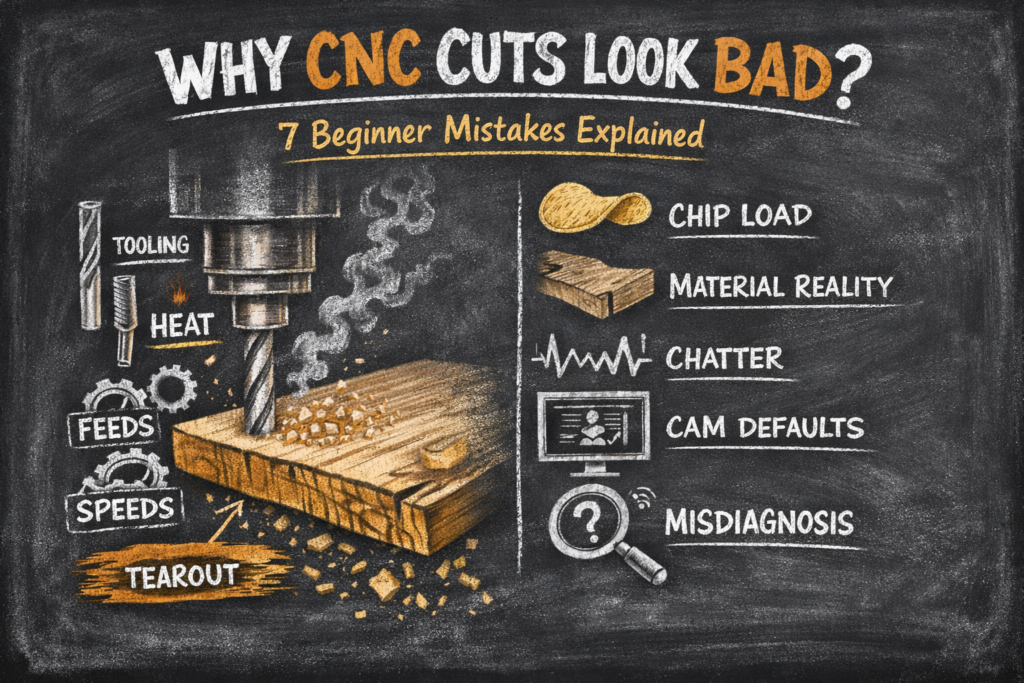
Why CNC cuts look bad…..If you’re new to CNC woodworking, there’s a moment almost everyone hits sooner or later. You load your material, set up your job, hit start, and… the result just doesn’t look right. Your CNC cuts look bad. Edges are fuzzy or burned. Surfaces chatter. Corners tear out. And the confusing part is this: you did everything “by the book,” at least as far as you can tell.
Then you watch a video online where the same operation looks effortless. Clean edges. Perfect finishes. No drama. No smoke. No strange noises. It’s easy to walk away from that thinking the problem must be your machine, your software, or maybe you just missed some secret setting everyone else knows.
The truth is simpler and more useful than that.
Most CNC cuts look bad for beginners, not because of mysterious problems, but because of perfectly logical interactions between tooling, material, and motion that haven’t been explained yet. Once you understand those interactions, CNC stops feeling unpredictable and starts feeling readable.
If you haven’t already, this explanation builds directly on the Beginner CNC Woodworking Guide foundation.
Let’s slow this down and explain why CNC cuts look bad in the beginning.
Why CNC Cuts Look Bad for Beginners (And Why It’s Not Random)
A CNC machine doesn’t “try” to make a good cut. It follows instructions. Exactly. If the instructions result in heat, vibration, or tearing, the machine won’t compensate. It will repeat the same mistake with impressive consistency.
That’s why when CNC cuts look bad, they often look consistently bad. The machine isn’t confused. It’s obedient.
This is frustrating at first, but it’s also a gift. CNC doesn’t hide problems. It exposes them. Once you realize that bad-looking CNC cuts are signals, not failures, troubleshooting becomes much more productive.
For background on how CNC systems behave and why they repeat errors so reliably, see this explanation of computer numerical control behavior:
https://en.wikipedia.org/wiki/Computer_numerical_control
Tool Geometry Is Often the Real Reason CNC Cuts Look Bad
One of the most common beginner assumptions is that a cutting tool is just a cutting tool. Diameter matters, sure, but beyond that, it’s easy to think the rest is just marketing.
It isn’t.
Tool geometry determines how material is sheared, where forces are directed, and how chips evacuate. Upcut, downcut, compression, straight, and ball-nose tools all interact with wood very differently. When CNC cuts look bad, tool geometry is often the first thing to examine.
If this feels unfamiliar, our overview of upcut, downcut, and compression bits shows exactly how geometry changes outcomes.
Tearout on the top surface usually isn’t random. Burning isn’t surprising if the cutter is rubbing instead of slicing. Fuzzy edges often mean fibers are being lifted instead of cleanly severed.
For a deeper technical explanation of how cutting edges interact with material, this machining-focused overview is useful:
https://www.cnccookbook.com/cnc-cutting-tool-geometry/
Once you start viewing the cutter as a mechanical interface, many bad CNC cuts stop being mysterious.
Chip Load Explained Simply (Why CNC Cuts Look Bad Without Enough Chip)
Chip load gets talked about a lot, and often poorly. Beginners are shown formulas before they’re shown meaning, which leads to either overthinking or ignoring the concept entirely.
Here’s the simple version:
If the cutter isn’t making chips, it’s making heat.
When CNC cuts look bad, heat is almost always involved. If feed rate, spindle speed, and depth of cut are out of balance, the tool stops slicing cleanly and starts rubbing. Rubbing generates heat. Heat leads to burning, dulling, and poor surface finish.
This principle is well documented in machining literature and applies just as much to wood as it does to metals:
https://www.machiningdoctor.com/chip-load/
You can also find a real-world CNC example of how feeds and speeds impact cut quality in the context of common beginner mistakes here:
👉 CNC Cutting Problems: Why Your CNC Cuts Burn, Chatter, or Tear Out
Chip load isn’t about hitting a perfect number. It’s about ensuring the cutter engages material enough to shear it cleanly. Once that clicks, feeds and speeds stop feeling arbitrary.
Here is a calculator to help you get the right feeds and speeds to hit your chipload for the wood you are using: Feeds and Speeds Calculator
Heat, Chatter, and Tearout Are Why CNC Cuts Look Bad – They Aren’t Always Separate Problems
This is where many beginners get stuck. They try to fix burning by slowing feeds. They try to fix chatter by taking lighter passes. They try to fix tearout by sanding more afterward.
Those approaches sometimes help, but they often treat the symptom instead of the cause.
When CNC cuts look bad:
- Burning usually points to heat buildup from poor chip formation
- Chatter usually points to tool deflection, machine rigidity, or unstable cutting conditions
- Tearout usually points to fiber direction or incorrect tool geometry
For a more detailed explanation of chatter and vibration behavior in CNC machining, which applies no matter whether you’re cutting wood or metal, this resource is helpful:
https://www.cnccookbook.com/chatter-cnc-machining/
Once you see these as symptoms instead of mysteries, diagnosing bad CNC cuts becomes much more straightforward.
Why Beginners Misdiagnose Why CNC Cuts Look Bad
Most misdiagnoses come from applying hand-tool intuition to automated machines. With a handheld router, slowing down often helps. With CNC, slowing down can make cuts look worse by increasing heat.
Another issue is assuming CAM software knows best. CAM doesn’t know how sharp your tool is, how flat your stock actually is, what stock you are working with or how rigid your setup is. Defaults are starting points, not guarantees.
Material behavior also plays a role. Wood moves, plywood varies, and glue lines behave differently than fibers. CNC simply reveals these realities quickly, often before beginners expect them.
For a grounded explanation of wood movement and why it matters in precision work, this woodworking reference is excellent:
https://www.woodmagazine.com/woodworking-tips/techniques/joinery/wood-movement
Your CNC will quickly show you these realities the hard way if you’re not prepared.
The Diagnostic Mindset That Fixes Bad-Looking CNC Cuts
The biggest shift for new CNC users isn’t better numbers. It’s better questions.
When CNC cuts look bad, ask:
- Is the tool rubbing or slicing?
- Is heat building up because chips aren’t evacuating?
- Is vibration coming from tool length, is the tool secure, material flex, or cut engagement?
Once you start asking why instead of guessing what, CNC stops feeling personal and starts feeling mechanical.
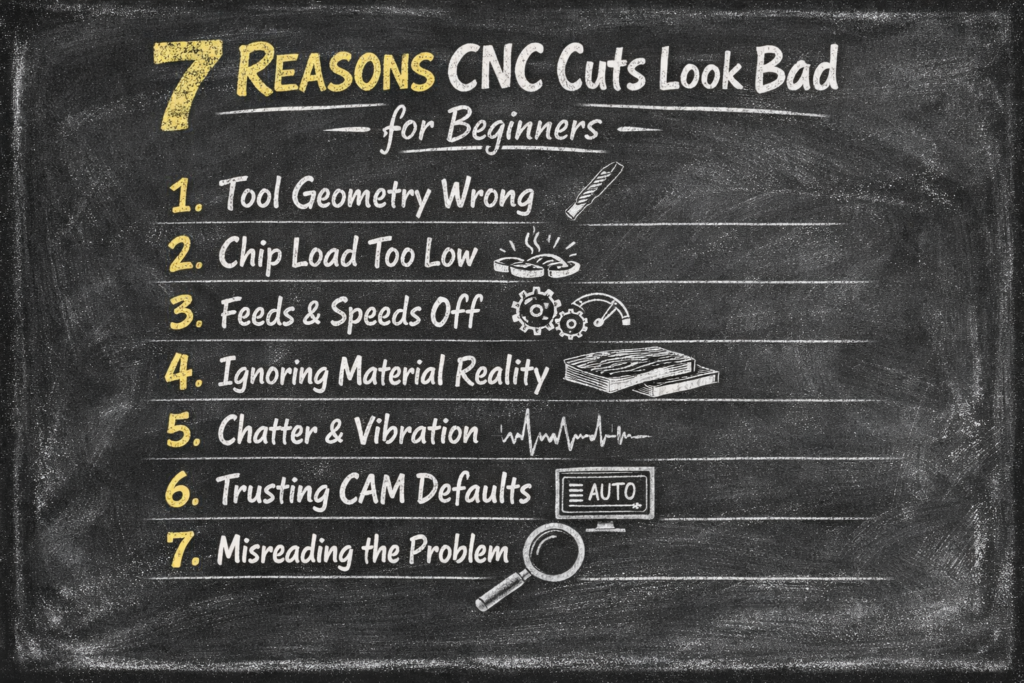
A Quick Recap: 7 Reasons Why CNC Cuts Look Bad for Beginners
- Tool geometry doesn’t match the material or operation
- Chip load is too low, creating heat instead of chips
- Feeds and speeds are adjusted without understanding their relationship
- Material behavior is ignored
- Chatter is treated as a mystery instead of a signal
- CAM defaults are trusted without context
- Problems are misdiagnosed instead of interpreted
This list isn’t here to replace the explanations above. It’s here so that when CNC cuts look bad, you know where to start looking.
Why CNC Cuts Look Bad Less Often as You Learn
This post sits between beginner orientation and deeper technical instruction. It explains why CNC cuts look bad before you start chasing fixes.
CNC woodworking becomes far less intimidating once you understand that bad cuts aren’t judgment, but rather they’re feedback.
Categories
- CNC Woodworking
- Beginner CNC
- CNC Fundamentals
Tags
Why CNC cuts look bad, CNC cut quality, CNC tooling basics, chip load explained, CNC feeds and speeds, CNC troubleshooting
Yeah I don’t mind any of that
References
- CNC Cookbook – Cutting Tool Geometry: https://www.cnccookbook.com/cnc-cutting-tool-geometry/
- CNC Cookbook – Chatter in CNC Machining: https://www.cnccookbook.com/chatter-cnc-machining/
- Machining Doctor – Chip Load Explained: https://www.machiningdoctor.com/chip-load/
- Wood Magazine – Understanding Wood Movement: https://www.woodmagazine.com/woodworking-tips/techniques/joinery/wood-movement
- Wikipedia – Computer Numerical Control: https://en.wikipedia.org/wiki/Computer_numerical_control
#CNCWoodworking #BeginnerCNC #FusionCNC #FeedsAndSpeeds #LearnCNC